Spielwarenmesse App
The Spielwarenmesse app offers numerous opportunities for increased visibility and interaction with visitors.
Book the right app features now and optimise your digital presence at the fair!
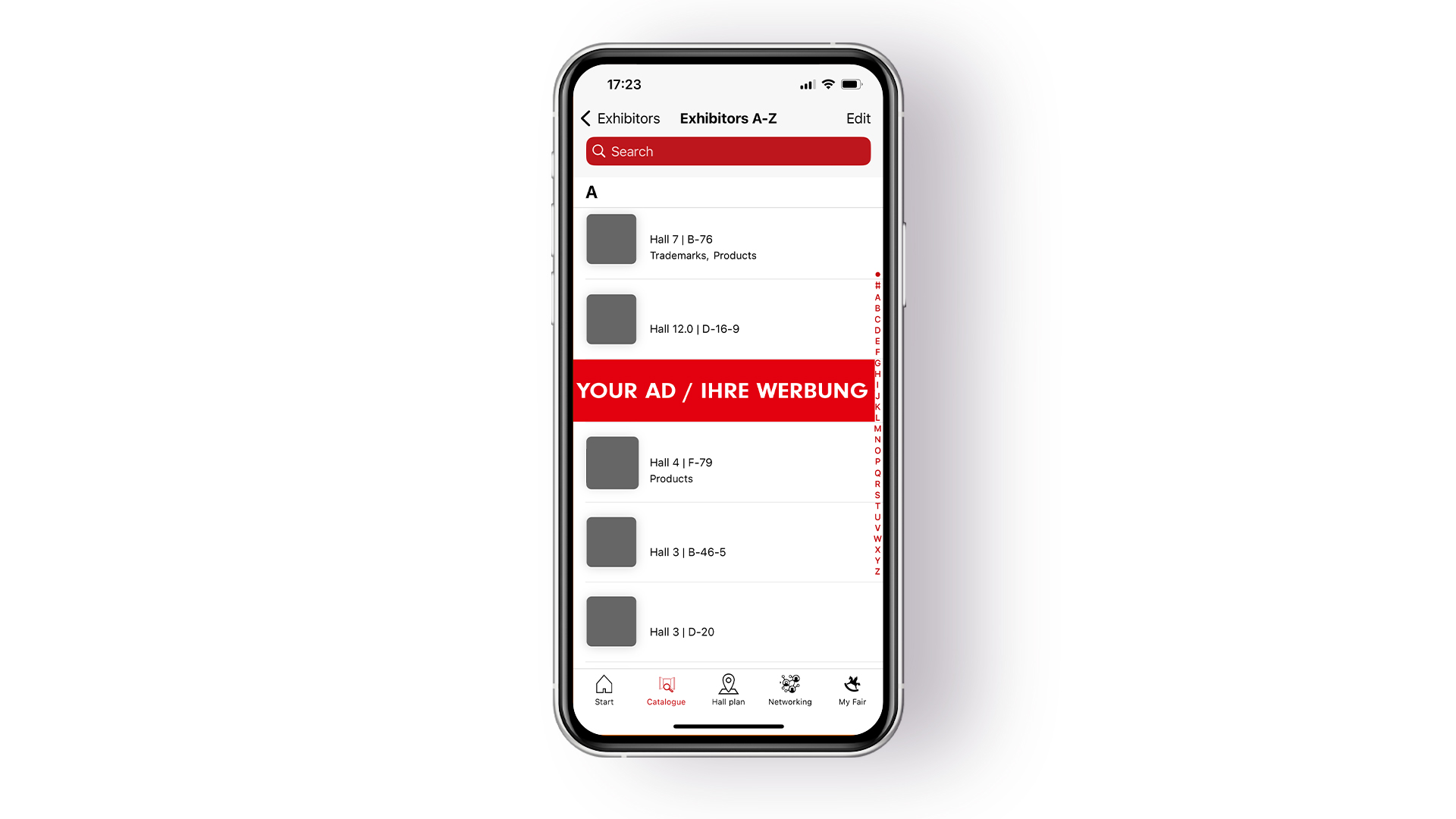
Sandwich banner "Exhibitor List"
Gain visibility between entries in the exhibitor list and attract targeted attention: The Sandwich Banner places the company prominently within the results list and links directly to the digital profile – on www.spielwarenmesse.de and in the app.Benefits:Eye-catching banner placement between entries in the exhibitor listDirect link to the digital company profileVisibility on www.spielwarenmesse.de and in the Spielwarenmesse app Specifications:Resolution: 1440 x 296 pxFile format: pngLimited to 3 bookings – displayed in rotation.
Sandwich banner "Product List"
Stand out in the product list and guide visitors directly to the company profile: The Sandwich Banner appears between product entries – both on www.spielwarenmesse.de and in the app – providing additional visibility through rotation.Benefits:Eye-catching banner placement between product entries on the website and in the appDirect link to the digital company profileVisibility through rotating display to all users browsing the product listSpecifications:Resolution: 1440 x 296 pxFile format: pngLimited to 3 bookings – displayed in rotation.
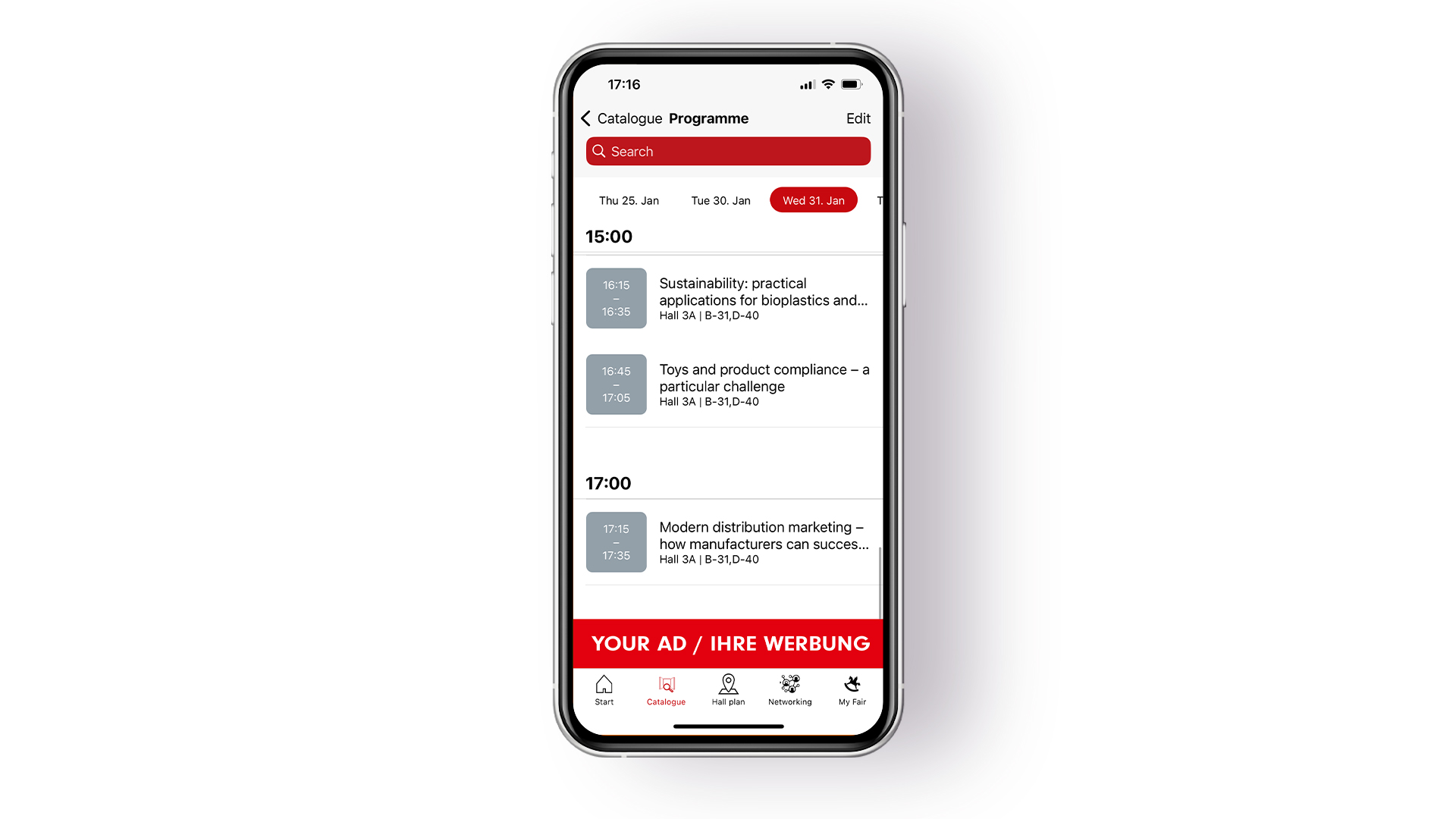
Button banner "Programme"
Be present exactly where visitors search for events and highlights in the "Programme" menu of the app: The Button Banner above the tab bar draws targeted attention to the company and guides interested users directly to the digital company profile. This ensures maximum visibility.Benefits:Eye-catching banner placement in the "Programme" section of the appDirect link to the digital company profileVisibility among all visitors using the programme feature in the appSpecifications:Resolution: 1440 x 225 pxFile format: pngLimited to 3 bookings.
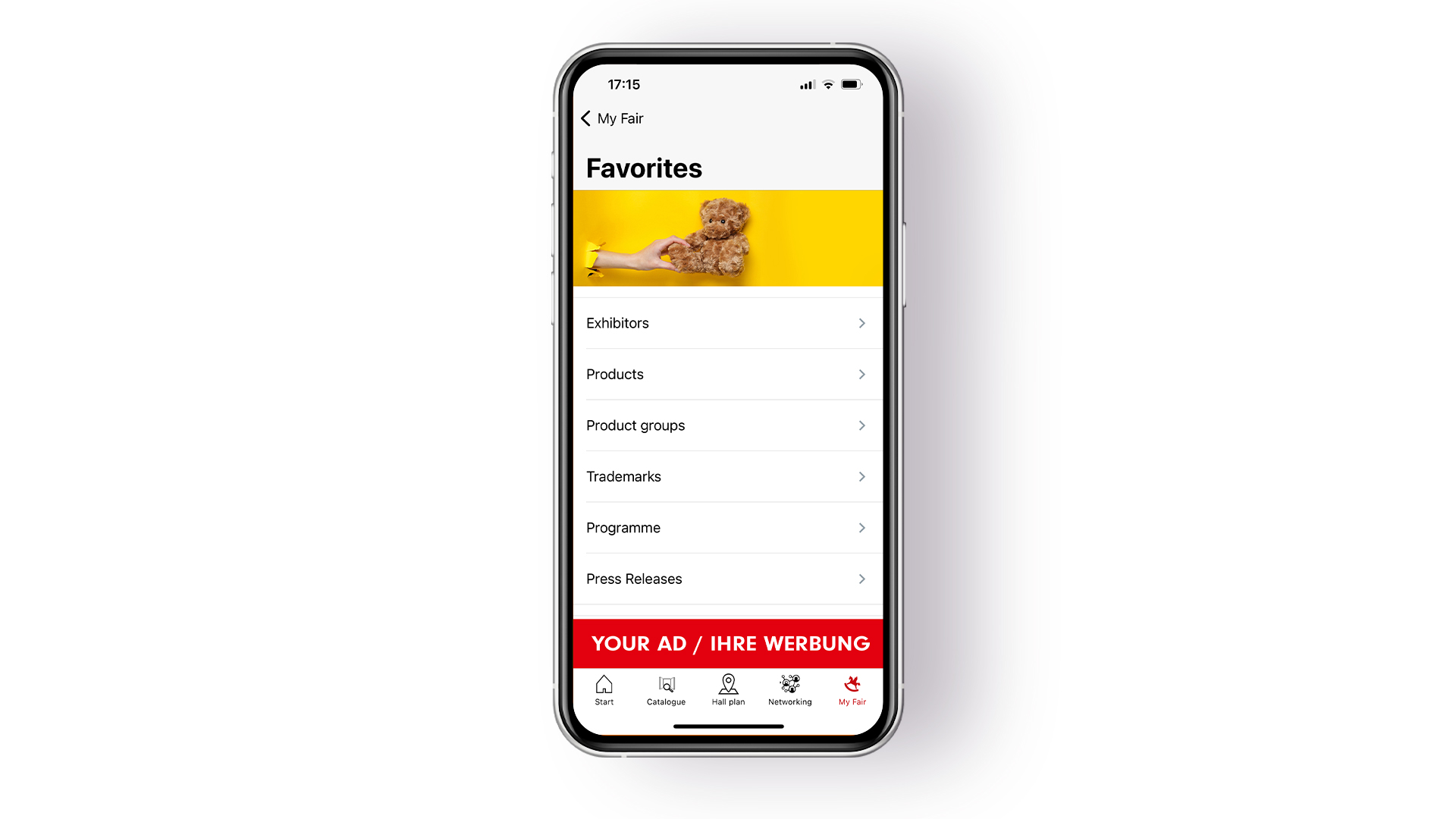
Button banner "Favourites"
Gain targeted attention in the "Favourites" menu of the app: The Button Banner above the tab bar places the company exactly where the most interested visitors are. This prominent position ensures high visibility and guides potential customers directly to the digital company profile.Benefits:Eye-catching banner placement in the "Favourites" section of the appDirect link to the digital company profileVisibility among all visitors using the favourites feature in the appSpecifications:Resolution: 1440 x 225 px File format: pngLimited to 3 bookings.
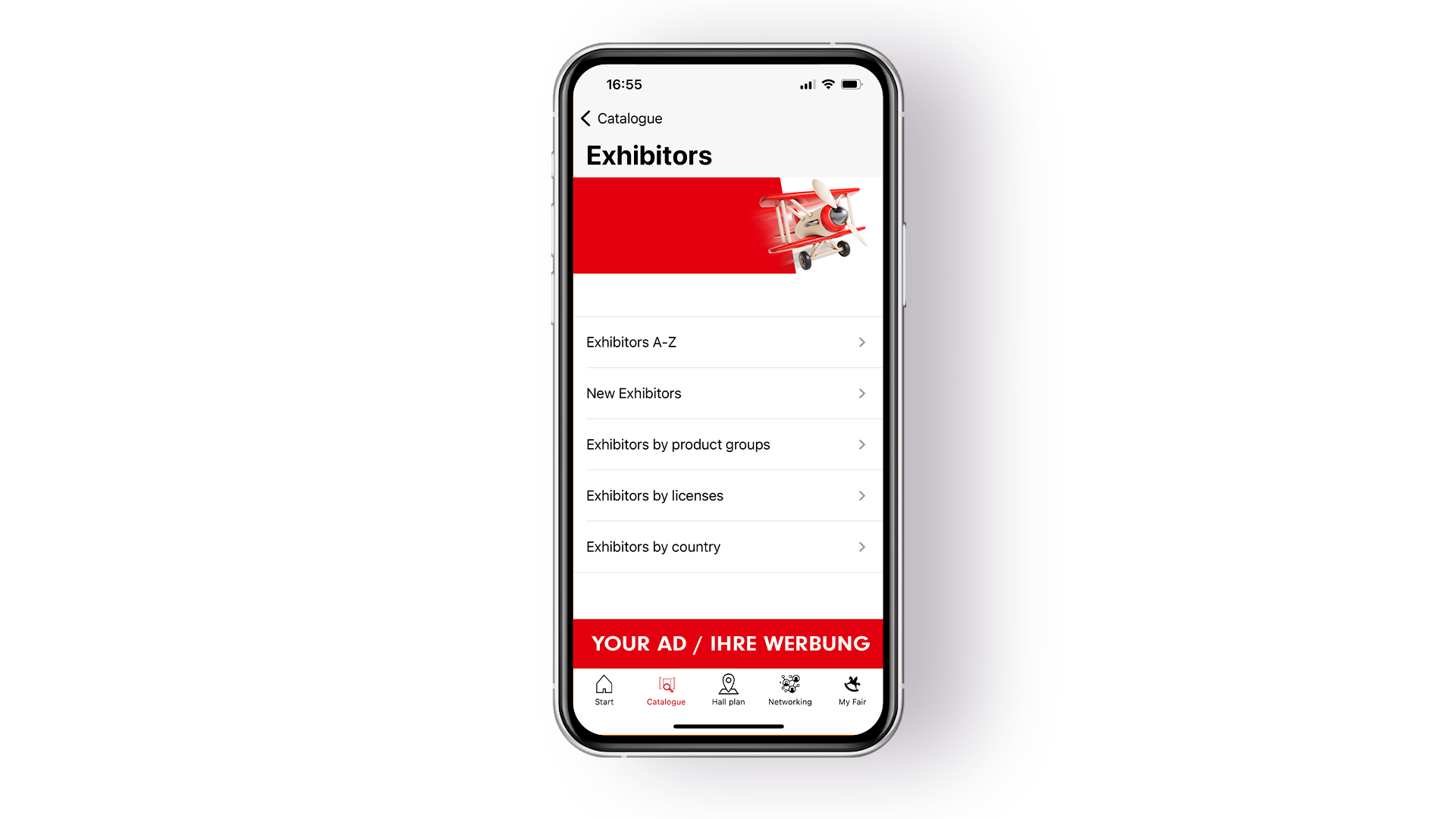
Button banner "Exhibitors A-Z"
Stand out in the "Exhibitors A–Z" menu of the app: The Button Banner above the tab bar ensures the company is present every time the exhibitor list is opened. This prominent placement makes it easy to guide potential customers directly to the company profile.Benefits:Eye-catching banner placement in the "Exhibitors A–Z" section of the appDirect link to the digital company profileVisibility among all visitors using the exhibitor list in the appSpecifications:Resolution: 1440 x 225 pxFile format: pngLimited to 3 bookings.
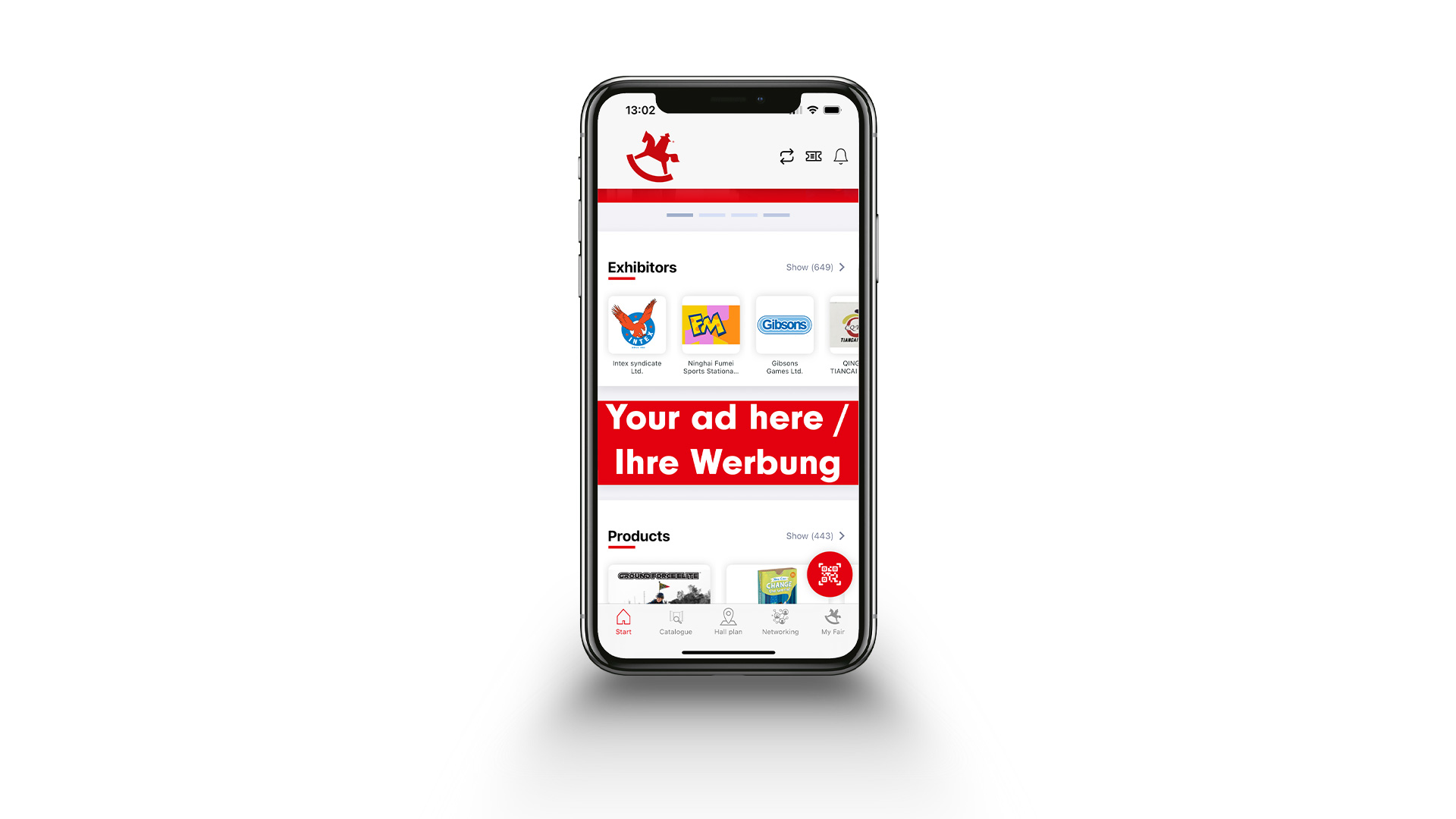
Start page banner in the app
Be front and centre as soon as the app is opened: The Home Page Banner puts the company directly in view on the start page of the Spielwarenmesse app and links to the digital company profile or a target page of choice. This exclusive placement ensures maximum attention from all app users.Benefits:Exclusive banner placement on the app’s home page Direct link to your company profile or a target page of your choice Maximum visibility every time the app is launched Specifications:Resolution: 1440 x 450 pxFile format: png or jpegLimited to 3 bookings.
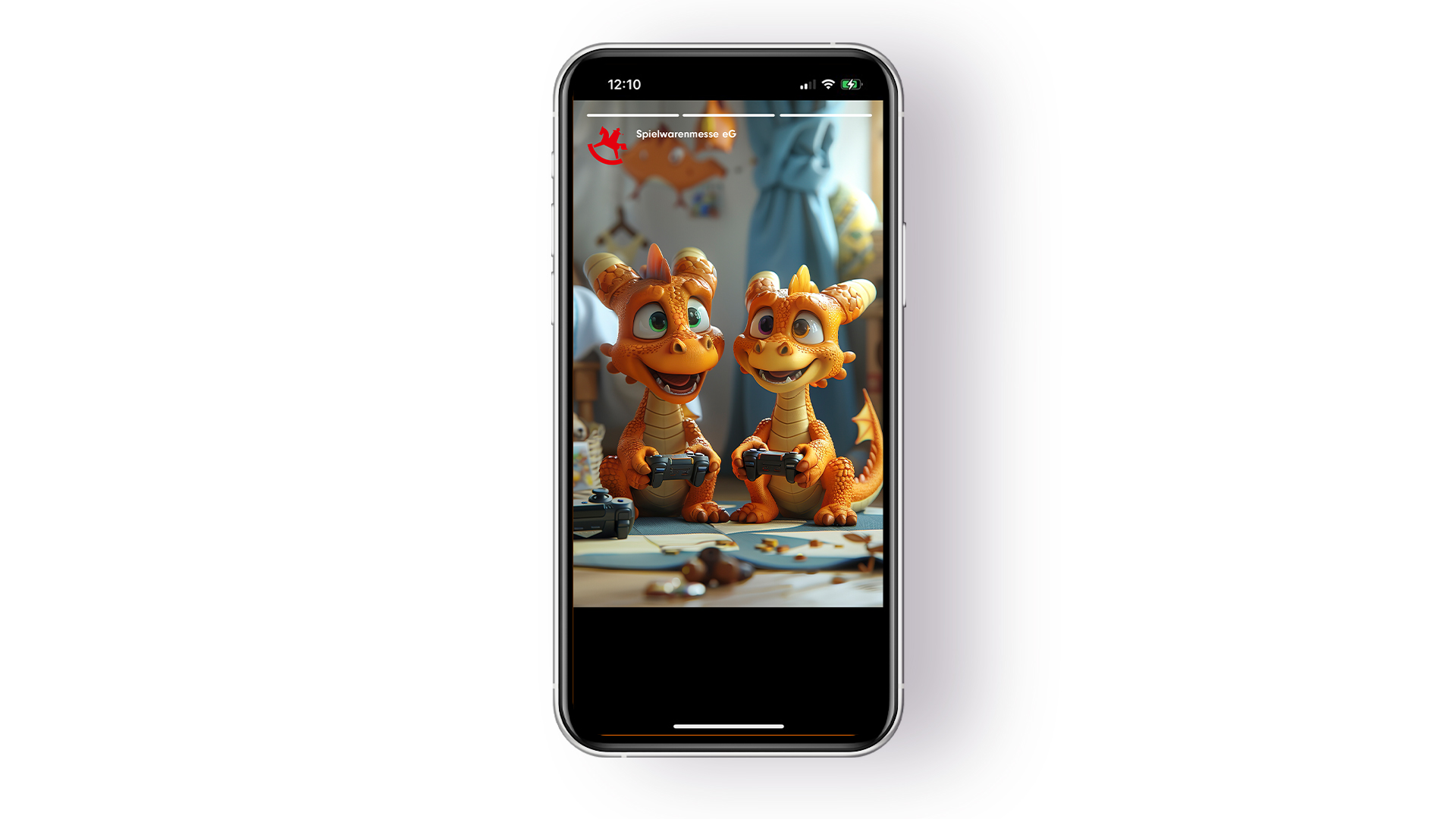
Stories in the app
Generate targeted attention with a story on the home page of the Spielwarenmesse app: The short video appears as a teaser and can be played in full-screen mode after clicking. The story is visible for 24 hours from the chosen start time and can be viewed as often as desired during this period.Benefits:Eye-catching story placement on the app’s home pageShort video as teaser, full-screen view after clickingUnlimited access for 24 hours to maximise reachSpecifications:Resolution: 1080 x 1920 pxFile format: mp4
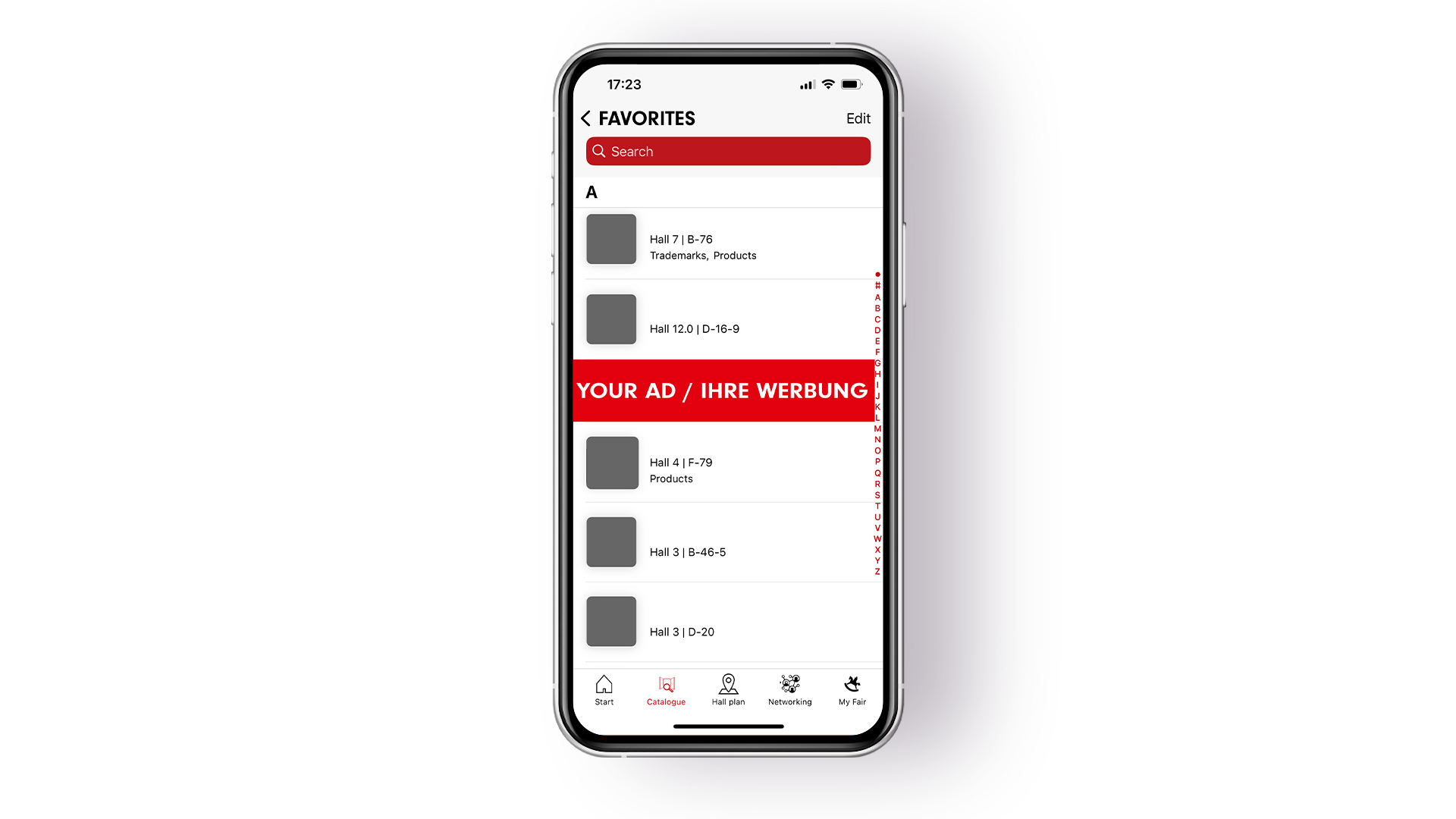
Sandwich banner "Favourites"
Stand out in users’ favourites: The Sandwich Banner appears prominently between saved exhibitors and links directly to the company profile. This ensures visibility exactly where visitors are most engaged – on www.spielwarenmesse.de and in the app.Benefits:Eye-catching banner placement among users’ favouritesDirect link to the digital company profileVisibility on www.spielwarenmesse.de and in the Spielwarenmesse appSpecifications:Resolution: 1440 x 296 pxFile format: pngLimited to 3 bookings – displayed in rotation.
Sandwich banner "Brand List"
Be present in the middle of the brand list and attract targeted attention: The Sandwich Banner positions the company between brand entries and leads visitors directly to the digital profile – on www.spielwarenmesse.de and in the app.Benefits:Eye-catching banner placement between entries in the brand listDirect link to the digital company profileVisibility on www.spielwarenmesse.de and in the Spielwarenmesse appSpecifications:Resolution: 1440 x 296 pxFile format: pngLimited to 3 bookings – displayed in rotation.
Sandwich banner "Programme"
Gain visibility between programme items – the Sandwich Banner in the programme section on www.spielwarenmesse.de and in the app draws targeted attention to the company profile and ensures presence among all users searching for events and highlights.Benefits:Eye-catching banner placement between programme items on the website and in the appDirect link to the digital company profileVisibility among all users accessing the programme online or via mobileSpecifications:Resolution: 1440 x 296 pxFile format: pngLimited to 3 bookings – displayed in rotation.
Sandwich banner "Press Releases"
Gain targeted attention in the press release list: The Sandwich Banner appears between entries and links directly to the company profile – visible on www.spielwarenmesse.de and in the app, with rotating display for maximum reach.Benefits:Eye-catching banner placement between press releases on the website and in the appDirect link to the digital company profileVisibility through rotating display to all users browsing the press releasesSpecifications:Resolution: 1440 x 296 pxFile format: pngLimited to 3 bookings – displayed in rotation.